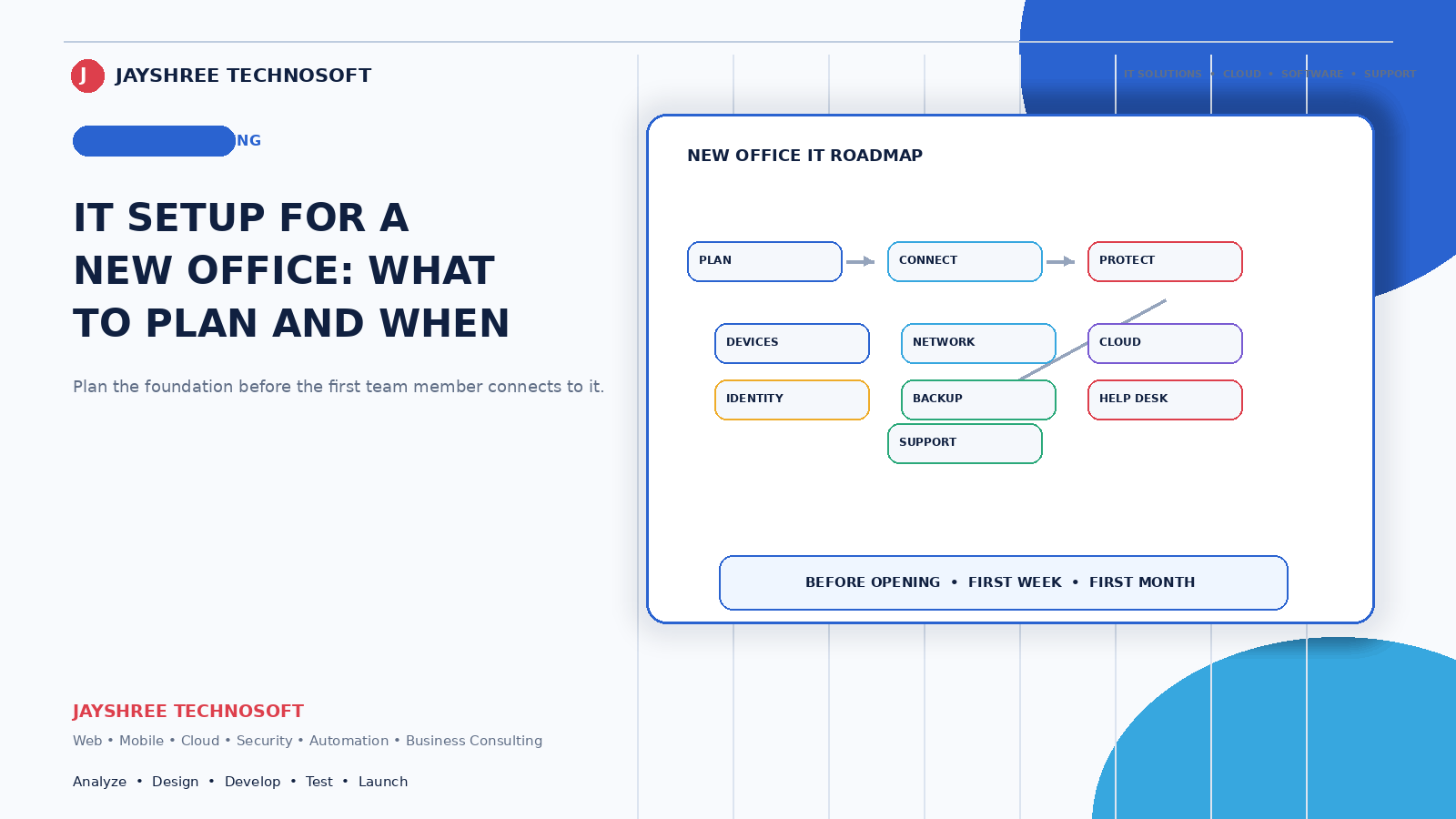
Opening a new office or branch involves a hundred decisions, and IT is usually the one made last — after the lease is signed, the furniture is ordered, and someone realises there's no internet.
Decided early, it costs less and works better. Decided in the final week, it produces the setup you'll be living with for years.
Jayshree Technosoft LLP has set up IT infrastructure for businesses across Jaipur and Rajasthan since 2009. This is what to plan and in what order.
Start Six Weeks Out: Internet
The item with the longest lead time and the one most often left until last.
Check availability at the specific address, not the area. Fibre availability varies building to building, and discovering your new office can only get a basic connection is a problem after you've signed a lease.
Get a backup connection. A second line from a different provider, or a mobile-data failover. If your business stops when the internet does — billing, payments, customer communication — this isn't optional. It's cheaper than a day of downtime.
Size it for people, not for one person. A connection fine for two people struggles with fifteen doing video calls and cloud work simultaneously.
Ask about installation timelines honestly. Commercial connections routinely take longer than promised.
Then: Decide What Lives Where
This decision shapes everything else, and it's simpler than it used to be.
For most businesses now, the answer is cloud. Files, email, and business software accessible from anywhere, with no server in the office to maintain, cool, power, and eventually replace. It also means opening a second location doesn't require repeating any of it.
A local server still makes sense when internet is genuinely unreliable and work must continue regardless, when you handle very large files locally all day, or when regulatory requirements demand it.
If you're unsure, cloud is the lower-risk default. It's easier to move to a local server later than to unwind one.
The Network, Done Properly Once
The part businesses under-invest in and then live with.
Wired connections for fixed desks where possible. More reliable than WiFi, and the cabling is cheap while the walls are open — and expensive afterwards.
WiFi planned for the space, not a single router in a corner. One access point rarely covers a whole floor properly, and dead zones become daily irritations.
A separate guest network, isolated from your business systems. Visitors, and staff phones, shouldn't sit on the same network as your billing computer.
Power protection. UPS for anything that shouldn't lose power mid-task, and proper earthing. In many Indian commercial buildings this genuinely matters and gets skipped.
Devices and Accounts
Decide who needs what before buying. Not everyone needs a laptop. Field staff frequently need only a phone with the right applications. Billing counters need reliability rather than power.
Create accounts in the business's name, never a personal one. Business email, cloud storage, software subscriptions — all under a business account with admin control. This sounds obvious and is regularly ignored, and it's how businesses lose access when someone leaves.
Individual logins for every person. Shared passwords mean you can never tell who did what, and removing one person's access requires changing everyone's.
Plan for departures at setup. Who can recover an account, disable access, and retrieve files when someone leaves.
Software, Chosen Before Move-In
The mistake is buying software in the first busy week and living with the wrong choice for years.
Business email on your domain, not personal Gmail addresses. This is the cheapest credibility improvement available and it becomes harder to change once everyone has a personal address on your business cards.
Your operational software — billing, inventory, customer records — decided and configured before the office opens, not while staff are serving customers. If it's a second branch, this is also when you check whether your existing system actually supports multiple locations, or whether each branch will end up with its own disconnected setup.
File storage and sharing, so documents live somewhere shared rather than on individual machines.
For businesses setting up billing, inventory and customer systems from scratch, connected platforms like DataBridgeCRM avoid the common outcome of five separate tools that don't talk to each other — which is considerably harder to unwind later than to avoid now.
The Security Basics, at Setup
Cheaper to establish than to retrofit:
Two-factor authentication on email, hosting, cloud accounts, and anything financial. Automatic updates enabled. Backups configured and — critically — tested by actually restoring something. Access permissions matched to roles rather than everyone having everything. And a written note of who holds which credentials.
An hour at setup, and it prevents most of what we get called about later.
What to Document From Day One
Every business intends to and almost none do:
Internet provider, account number, and support contact. Network layout and equipment passwords. All software subscriptions with renewal dates and cost. Who has access to what. Backup arrangement and how to restore. And who to call when something breaks.
One page. It's worth more than most equipment on the day something goes wrong and the person who set everything up isn't available.
The Second Branch Difference
If this is your second location rather than your first, the requirements change:
Systems must work across both. Stock visible at both, customers recognised at both, and the owner able to see consolidated numbers. Each branch running its own disconnected setup is the problem that limits businesses at two or three locations.
Someone must be able to support it remotely. You won't be there daily.
Access should be role-based by branch. Branch staff see their branch; the owner sees everything.
Get this right at branch two and branch five is straightforward. Get it wrong and each new location repeats the same problems.
A Realistic Timeline
Six weeks out: confirm internet availability and order connections.
Four weeks: decide cloud versus local, choose software, order devices.
Two weeks: cabling and network setup while the space is empty.
One week: devices configured, accounts created, software set up and tested.
Before opening: test everything with real tasks — bill something, send an email, access a file, print a receipt.
Compressed into the final week, all of this still happens — just badly and more expensively.
How We Help
Jayshree Technosoft LLP handles IT setup for new offices and branches across Jaipur, Rajasthan, and India — connectivity planning, network and cabling, cloud and email setup, software configuration, and security basics established at the start rather than added later.
We also work with businesses opening a second location who discover their existing systems don't extend — which is a considerably better problem to solve before the branch opens than after.
Planning a new office or branch? Get in touch — ideally six weeks out, not one.
Recent Articles

Best CRM Software in Jaipur for Kirana Stores: How POS Billing CRM Simplifies Daily Operations
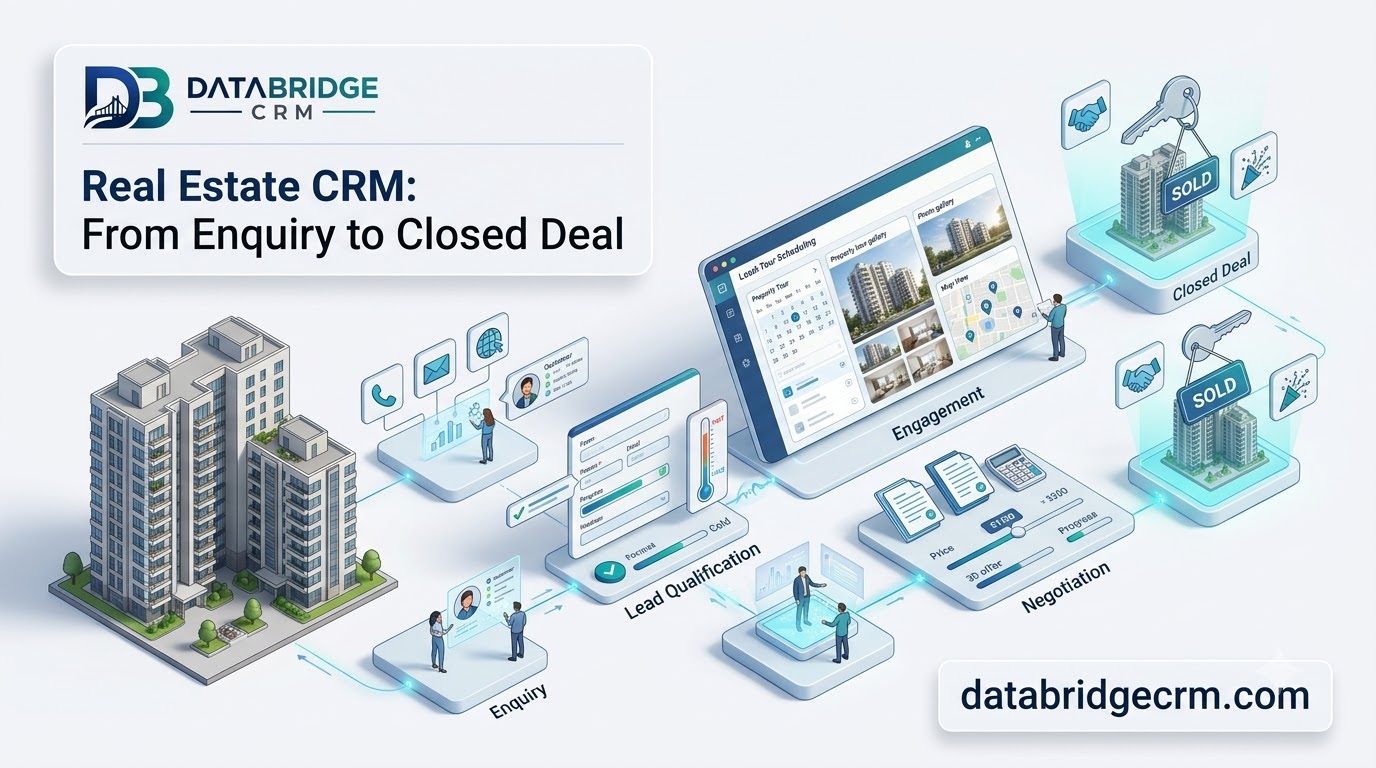
How DataBridgeCRM's Real Estate CRM Works, From First Enquiry to Closed Deal

How LawDesk & CADesk Work for Lawyers and Chartered Accountants