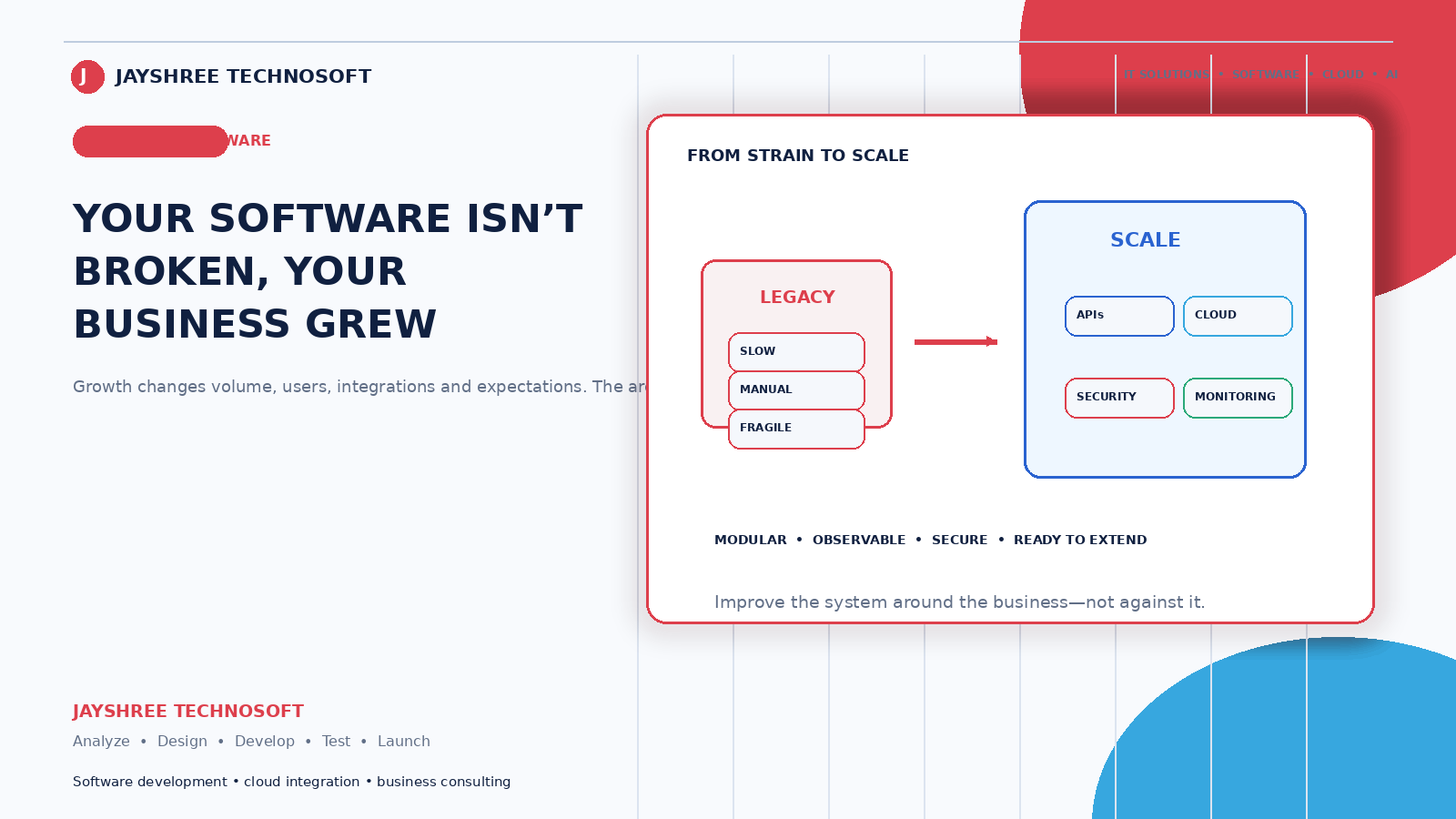
The software worked fine for two years. Now the same screens take longer to load, reports time out, and staff have started saying "the system is slow" as a normal part of the working day.
Nothing broke. The business grew, and the software was built for the business it used to be.
Why This Happens
Software that handles a thousand records comfortably behaves differently with a hundred thousand. Some operations scale gently; others degrade sharply once past a certain point.
The common causes, in plain terms:
Searching through more data than before. A query that scanned two thousand rows now scans two hundred thousand. Without the right indexing, the time grows with the data.
Reports that recalculate everything, every time. Fine when the calculation covered a month of transactions. Painful when it covers four years.
More people using it simultaneously. Two staff and twenty staff place very different demands on the same system.
Files accumulating. Photos, documents, and attachments building up without anyone managing storage.
Server capacity that hasn't changed while everything else grew.
None of these are failures of the original build. Software built for the right scale at the right cost is correct engineering — the issue is that nobody revisited it.
Diagnose Before You Rebuild
The instinct when software feels slow is to assume it needs replacing. That's frequently the most expensive available answer and rarely the necessary one.
Find out what's actually slow. Not "the system" — which screen, which action, at what time of day. Frequently the whole system is fine and two specific operations are the problem.
Check whether it's the software or the environment. Slow internet, an overloaded server, or an aging office computer all present as "the software is slow" and none of them are.
Check when it's slow. Consistently slow suggests a code or database issue. Slow only at peak hours suggests capacity. Slow only for some users suggests their connection or device.
An hour of diagnosis frequently produces a fix costing a fraction of a rebuild.
The Fixes, Cheapest First
Database indexing. The single most common and most effective fix. Adding the right indexes to tables that have grown large frequently turns a fifteen-second operation into an instant one. Often a few hours of work.
Fix the specific slow queries. Usually a small number of operations account for most of the problem. Identifying and rewriting them targets the actual issue.
Pre-calculate heavy reports. Rather than computing four years of data on demand, calculate summaries overnight. Reports become instant.
Archive old data. Transactions from six years ago rarely need to be in the active system. Moving them to an archive that remains searchable but doesn't slow daily operations is straightforward and effective.
Increase server capacity. Sometimes the honest answer. Cheaper than re-engineering, and worth doing when the software is fundamentally sound.
Optimise images and files. If your system stores photos, oversized files slow everything and consume storage unnecessarily.
Only after these does re-architecting become the sensible conversation.
When Rebuilding Is Genuinely Right
Sometimes it is. The honest indicators:
The underlying technology is unsupported and can't be updated safely. The structure can't accommodate what the business now needs, not just what it does. Every change breaks something else, indicating accumulated technical debt beyond practical repair. Or the cost of continued patching over two years would exceed rebuilding.
Get an independent assessment before deciding. A firm hoping to win the rebuild has an interest in declaring everything unsalvageable — ask them to show you specifically why.
Planning for the Next Doubling
The useful question isn't "will this handle our current volume?" but "what breaks first if we double?"
Any competent development partner can answer this. The answer is usually specific — a particular report, a particular table, a particular process — and knowing it lets you fix that one thing before it becomes urgent.
Ask this annually. It converts a crisis into a scheduled task.
What Not to Over-Engineer
A caution, because this is where money goes the other way.
Building for scale you don't have costs on day one and every day after — more infrastructure, more complexity, more failure modes, slower changes. Businesses that architect for a million users while serving five hundred pay for that choice continuously.
The sensible position: build for realistic growth over the next two to three years, keep the structure clean enough to extend, and revisit when a real constraint appears rather than a theoretical one.
The Maintenance That Prevents This
Most scaling problems are gradual and therefore preventable:
Periodic review of performance as data grows. Archiving old records on a schedule rather than when things slow. Monitoring that flags degradation before staff complain. And someone specifically responsible, rather than everyone assuming the software will keep working because it always has.
This is the difference between an annual tuning task and an emergency rebuild.
How We Approach It
Jayshree Technosoft LLP works with businesses whose systems have slowed as they've grown — diagnosis first, targeted fixes before rebuilds, and an honest assessment when rebuilding genuinely is the right answer.
A meaningful share of these engagements end with a few days of database and query work rather than a project. We'd rather tell a client that than sell them something larger, because the ones who trust that answer come back for the work that genuinely needs doing.
Software slowing down as your business grows? Get in touch — we'll find out what's actually slow before recommending anything.
Recent Articles

Best CRM Software in Jaipur for Kirana Stores: How POS Billing CRM Simplifies Daily Operations
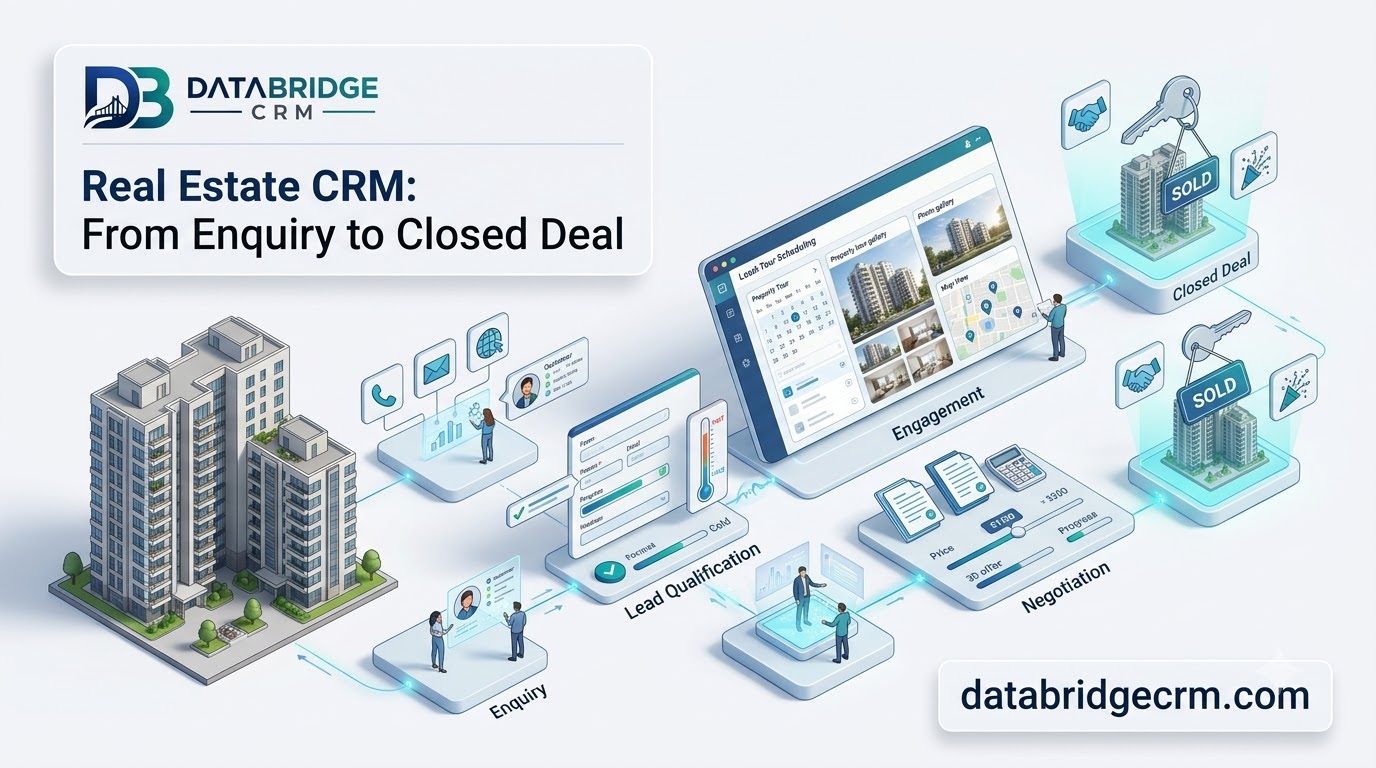
How DataBridgeCRM's Real Estate CRM Works, From First Enquiry to Closed Deal

How LawDesk & CADesk Work for Lawyers and Chartered Accountants