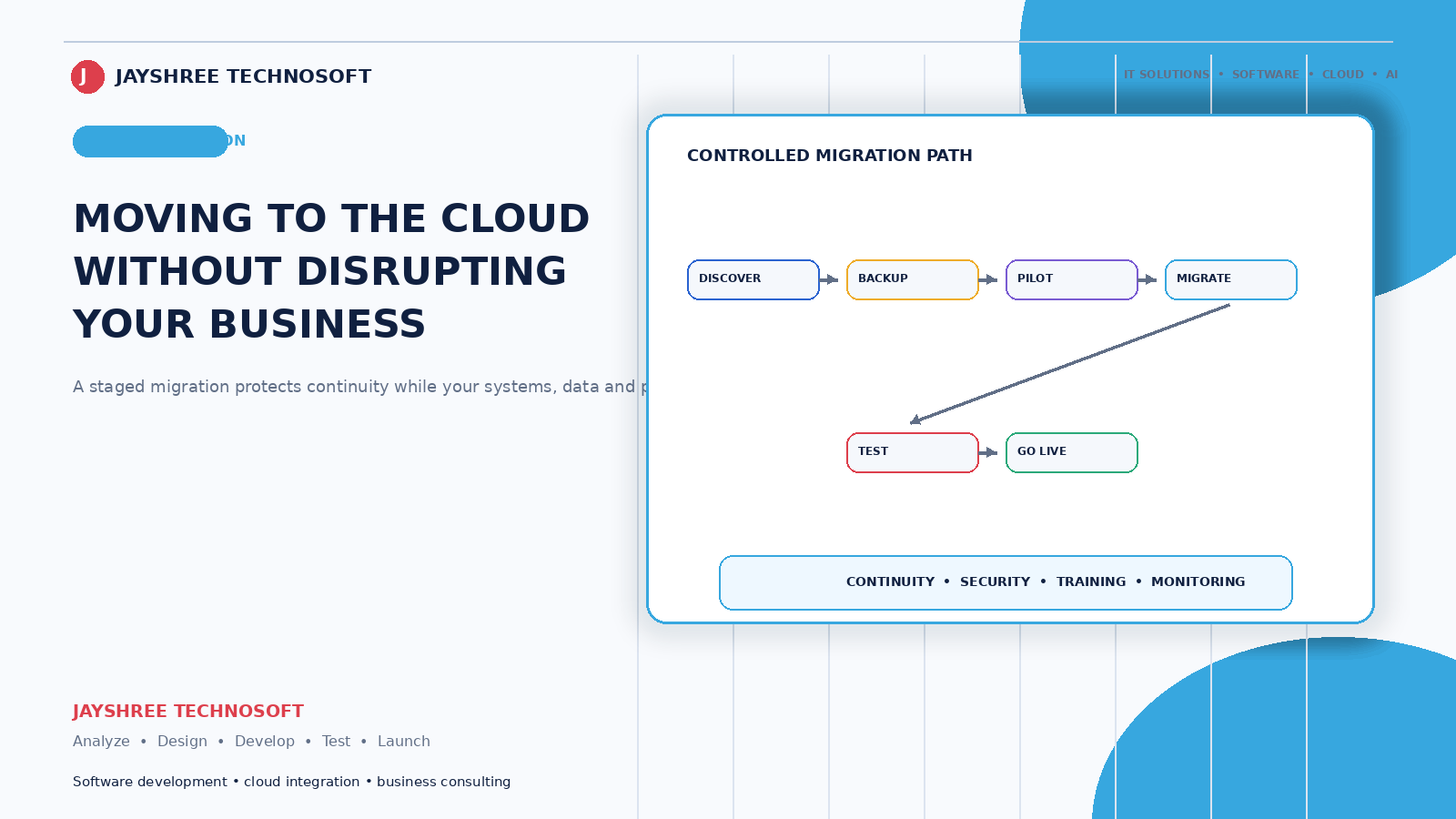
Moving to the cloud sounds like a technical decision. In practice it's an operational one, and the businesses that struggle are the ones who treat it as a switch to flip rather than a move to plan.
Jayshree Technosoft LLP has handled migrations for businesses since 2009. This is how it actually goes.
First: Decide What You're Actually Moving
"Moving to the cloud" means different things and businesses frequently haven't specified which:
Files and documents — from individual computers and an office server to cloud storage.
Email — from a basic hosting mailbox to a proper business email service.
Business software — from a desktop application installed on one machine to something accessible from anywhere.
Your website or application — from an office server or basic hosting to cloud infrastructure.
These are four separate projects with different risks. Doing them together is how migrations become disruptive. Doing them in sequence is how they don't.
Which One to Do First
Start with the one where the current setup causes the most pain and the migration carries the least risk.
For most businesses that's files and email — high daily friction, low risk, and immediate visible benefit. Staff can access work from anywhere, nothing is trapped on one laptop, and version confusion ends.
Business software is usually next, because it's where the operational gain is largest.
Your website or application last, because it's the most visible if something goes wrong and the least urgent if it's currently working.
The Preparation That Prevents Problems
Find out what you actually have. Every system, every file location, every account, and who holds credentials. Most businesses cannot produce this list, and you cannot migrate what you haven't found.
Check ownership before anything else. Domain, hosting, and accounts should be in your business's name. Migration is when businesses discover a former developer holds everything — and discovering it mid-move is considerably worse than discovering it now.
Clean before moving. Duplicate files, obsolete data, and folders nobody has opened in five years. It's easier to leave the mess behind than to carry it forward.
Decide what stays. Not everything belongs in the cloud. Very large media archives, systems with specific regulatory requirements, or applications that genuinely need to run locally.
Check your internet honestly. Cloud systems depend on connectivity. If your connection is unreliable, either fix that first or choose systems that work offline and sync — because a cloud setup on a bad connection is worse than what you had.
How the Move Should Run
Set up and test everything before switching anything. The new environment configured, tested with real data, and verified working while the old one still runs.
Run both in parallel briefly. Not indefinitely — a defined period, usually days rather than weeks, where the old setup remains available as a fallback.
Move during your quietest period. Never during peak season, festival trading, or near financial year end. This is obvious and businesses routinely ignore it because that's when the project deadline landed.
Verify properly afterwards. Not "it looks fine." Check file counts, open documents at random, confirm email is sending and receiving, and have staff perform their actual daily tasks.
Keep the old setup accessible for months. Read-only, and cheap to maintain. You will need to look something up, and the day you need it is not the day to discover it's gone.
What Businesses Underestimate
Email migration. Moving mailboxes with years of history, keeping folder structures, and ensuring nothing is lost. Also updating your domain records correctly — get this wrong and email stops arriving, which is the most disruptive failure available.
Forwarding and communication. Tell customers and suppliers about any address changes, and forward old addresses for months. Enquiries sent to an address nobody monitors are invisible losses.
Staff adjustment. People have habits built around where files live. Expect a few weeks of "where is it now?" and plan someone to answer that rather than assuming it's obvious.
Ongoing cost changes. Cloud is usually a monthly subscription rather than a one-time purchase. Calculate the annual figure and compare honestly against what you were spending on hardware, maintenance, and downtime.
What Cloud Genuinely Improves
Failures become someone else's problem. When a disk fails in a data centre, engineers replace it and you never know. When your office server fails, your business stops.
Access from anywhere, which stopped being a luxury and became an expectation.
Backups that actually run. The most common disaster in Indian small businesses isn't hacking — it's the office computer that died holding everything, with no working backup.
Capacity that flexes. Adding users or storage takes minutes rather than a hardware purchase.
What It Doesn't Fix
Honest counterweight: cloud doesn't fix bad processes, disorganised data, or software that didn't suit your business. A messy setup moved to the cloud is a messy setup with a monthly bill.
It also introduces dependence on your internet connection and on the provider. Both are usually acceptable trades; both should be deliberate rather than discovered.
After the Move
A few things worth establishing while attention is on it: who has access to what, backup verification (yes, cloud services still need your confirmation that backups exist and restore), two-factor authentication on important accounts, and a note of which services cost what annually.
These take an hour and prevent the situations we get called in to untangle later.
How We Handle Migrations
Jayshree Technosoft LLP plans and executes cloud migrations for businesses across Jaipur, Rajasthan, and India — files, email, business systems, and infrastructure, in sequence rather than together, with the old setup kept available until the new one is proven.
Our standard practice: accounts in the client's name, a tested environment before any switch, and migration scheduled around your business calendar rather than ours.
Considering a move to cloud systems? Get in touch — we'll start by finding out what you actually have, which is usually more than anyone expects.
Recent Articles
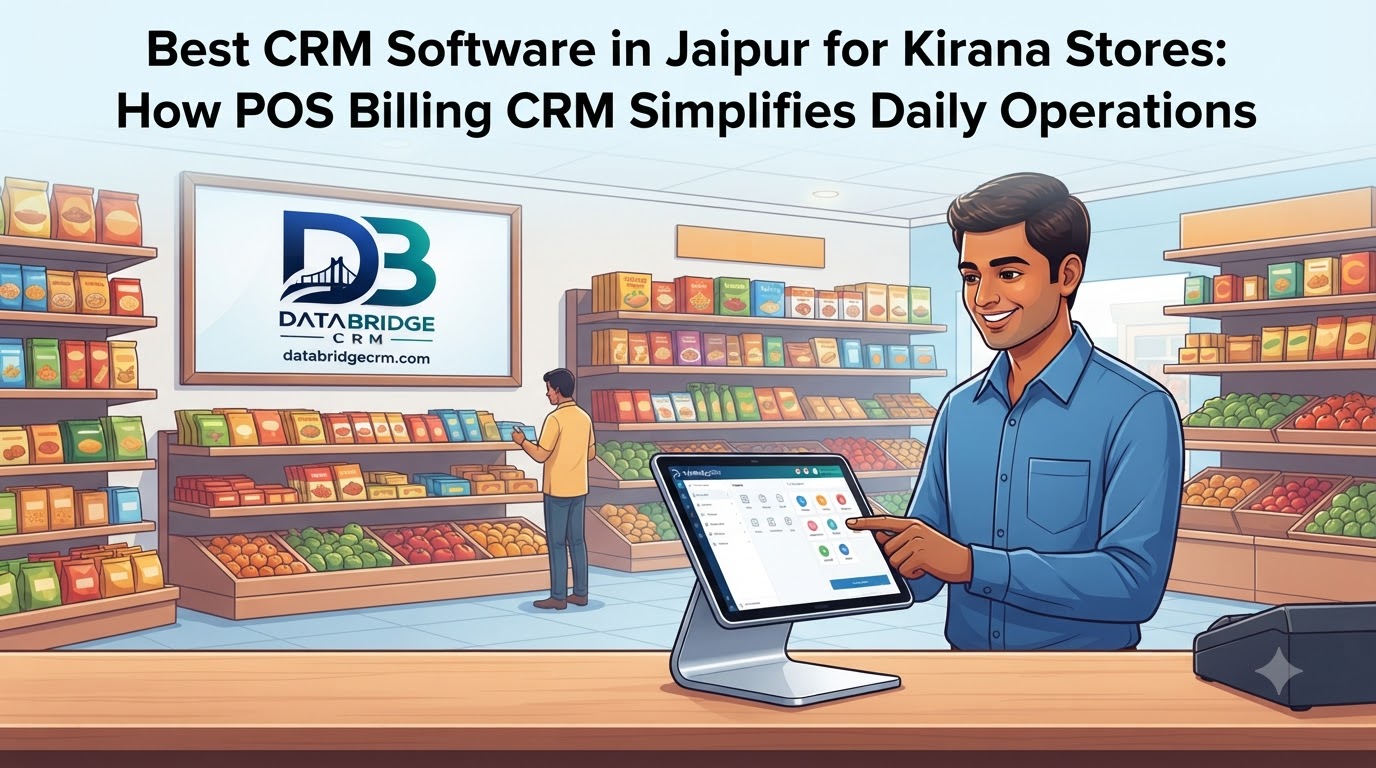
Best CRM Software in Jaipur for Kirana Stores: How POS Billing CRM Simplifies Daily Operations
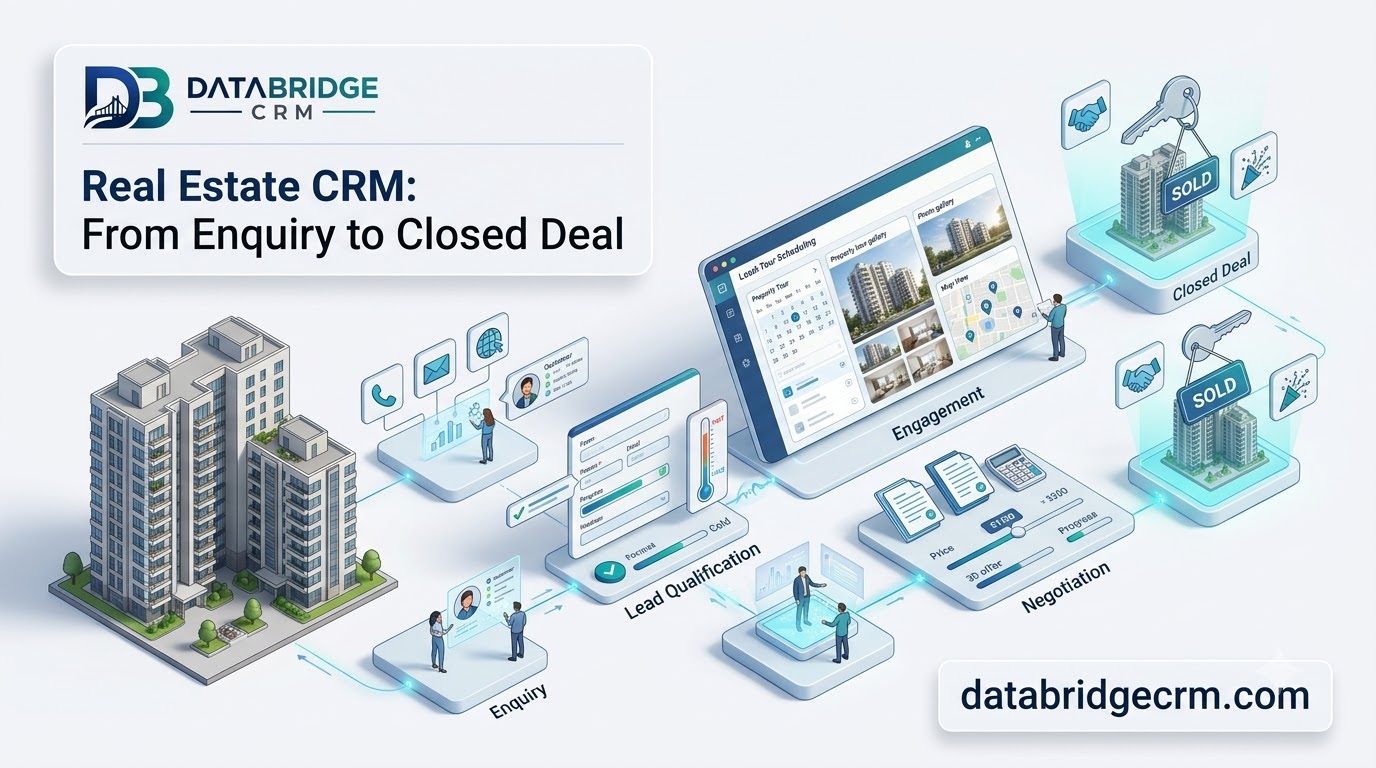
How DataBridgeCRM's Real Estate CRM Works, From First Enquiry to Closed Deal
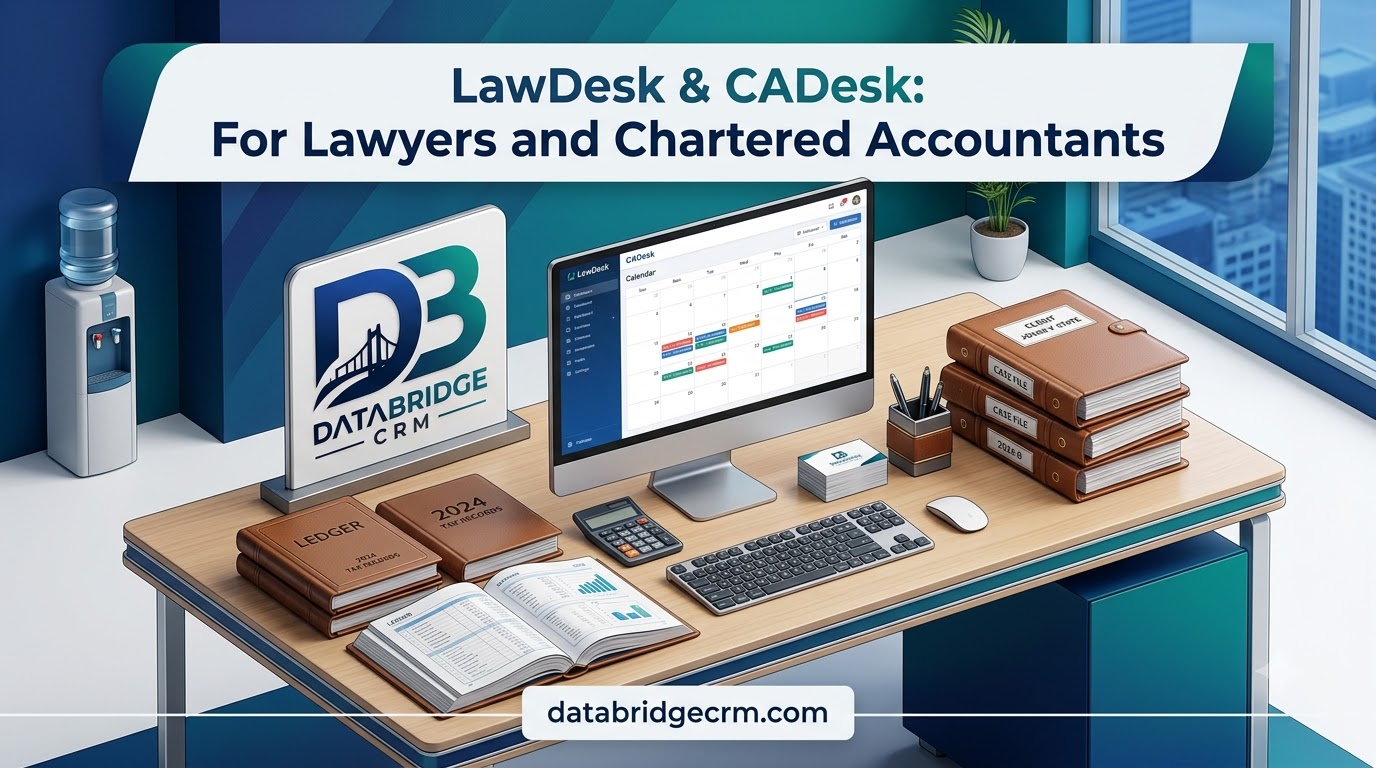
How LawDesk & CADesk Work for Lawyers and Chartered Accountants