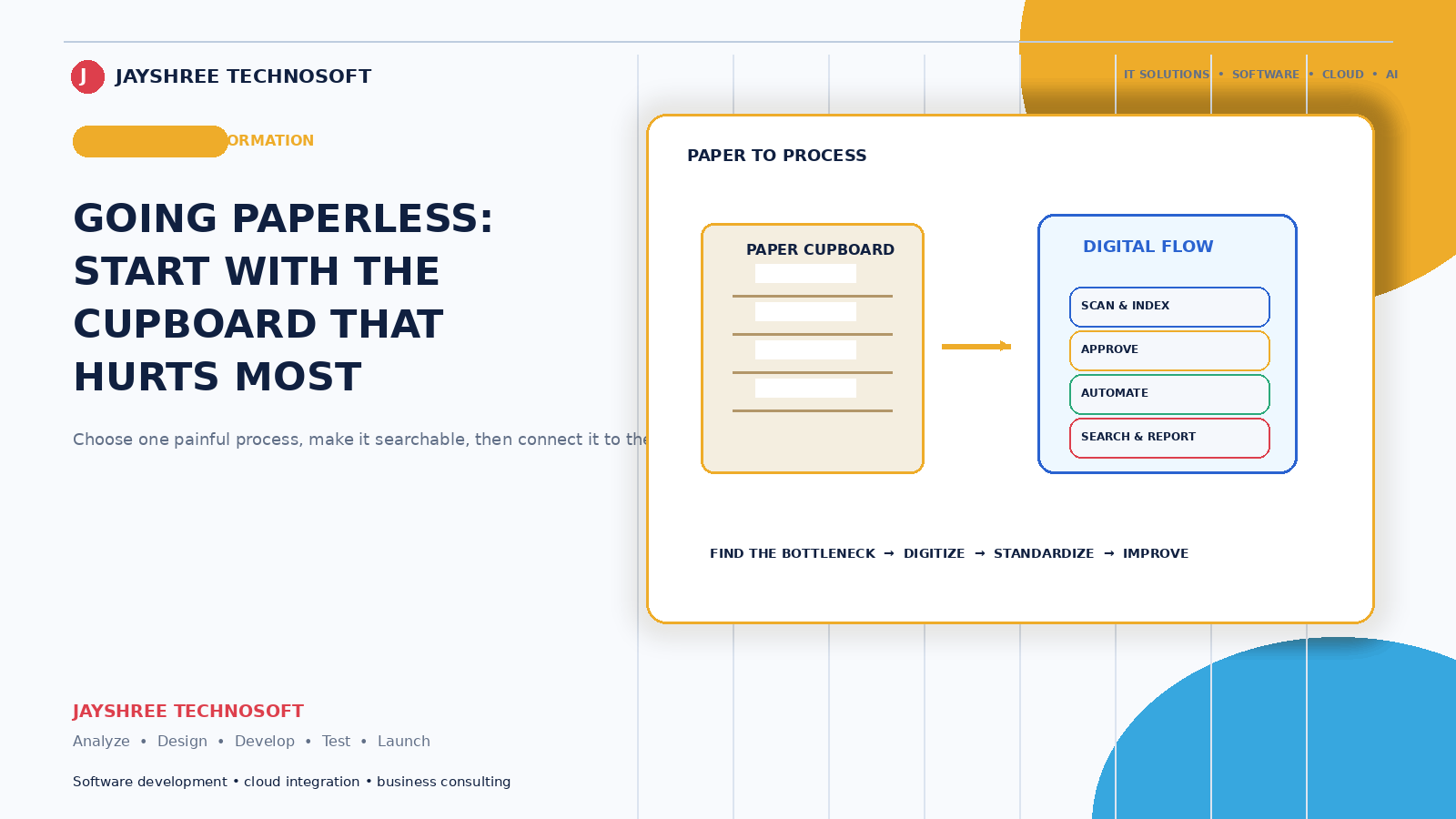
Every Indian business has a cupboard. Files, registers, bill books, forms, and somewhere in there the one document you need when a query arrives — findable only by the person who filed it, who is currently unavailable.
Going paperless is less about the environment and more about that cupboard.
What This Actually Means
Not scanning everything you already have. That's a project most businesses abandon halfway.
Going paperless means new information gets created digitally rather than on paper — and old paper gets digitised only where it's genuinely needed. That distinction makes the difference between a change that sticks and one that doesn't.
Where Paper Actually Costs You
Finding things. The time spent locating a document, multiplied across a year, is usually the largest cost and the least measured.
Single copies. A document exists in one place. If it's lost, damaged, or in someone's drawer, it's gone. Fire, water, and pests are real risks for businesses storing years of records.
Nobody else can access it. Information on paper in your office is unavailable to anyone not in your office — including you, at 9pm.
Transcription errors. Data written on paper and later typed into a system gets typed wrongly sometimes. Every transcription step is an error opportunity.
Delay. A job card filled at the workshop reaches billing hours later. Deliveries recorded on a sheet get entered the next morning. The gap between something happening and it being known is where mistakes live.
It doesn't scale. A business that doubles its transactions doubles its paper and its filing time.
Start Where Paper Hurts Most
Businesses that try to eliminate all paper simultaneously usually fail. The ones that succeed pick the process where paper causes the most delay or error, fix that completely, then move on.
The usual candidates:
Bills and invoices. Digital generation with automatic numbering, sent on WhatsApp or email. Removes bill books, transcription, and the "we can't find that invoice" conversation.
Job cards and work records. Recorded at the point of work on a phone rather than on a slip that travels to the counter. This directly recovers unbilled work — the slip that got lost was revenue.
Delivery and dispatch records with photo proof rather than signed sheets.
Attendance and staff records.
Customer records — out of registers and personal phones into one shared place.
Purchase and supplier documents.
The Rules That Make It Work
Capture at the point where it happens. If the mechanic, delivery person, or field staff can't record it where they are, on a phone, they'll use paper and someone will type it later. This one rule determines success more than any other.
It has to be faster than paper. Writing on a slip takes seconds. If the digital version takes a minute, staff will use the slip. Count the taps.
Photos instead of typing where possible. Damage, documents, meter readings, proof of delivery. Faster, more accurate, and harder to dispute later.
It must work offline. Field staff move through poor connectivity constantly. Capture offline, sync when signal returns.
Search has to be genuinely fast. The entire point is finding things. If retrieving a record takes longer than opening a file, you've built a slower cupboard.
What About Existing Paper?
The honest answer: mostly leave it.
Scanning years of old records is expensive, tedious, and rarely worth it. Better approach:
Keep old records as they are, organised and stored safely. Digitise selectively — the documents you actually retrieve, like active customer agreements or current warranty records. Go digital for everything new from a chosen date. And digitise old material on demand, when someone needs it.
Within two years, the old cupboard is mostly historical and the active business runs digitally without anyone having done a scanning project.
What You Still Need to Keep
Practical caution: certain documents must be retained in original form for legal and compliance purposes, and retention periods apply to business records under tax and company law.
Don't dispose of anything on the basis of having scanned it without checking with your CA. Digitisation is for access and convenience; disposal is a separate decision with rules attached.
Where Businesses Get This Wrong
Digitising the wrong thing first. Starting with a low-volume process because it's easy, rather than the painful one.
Running both systems permanently. Paper alongside digital means double work and eventual abandonment of one. Once the digital version works, the paper path has to close.
Systems designed for desks. If capture requires a computer and the work happens elsewhere, paper survives.
No backups. Paper burns; digital files corrupt or get deleted. Digital is safer only when backed up properly and tested. A single copy on one computer is not an improvement over paper.
Ignoring who can access what. Paper in a locked cupboard has natural access control. Digital records need it configured deliberately — customer and employee data particularly.
The Backup Point, Because It Matters
Going paperless makes your data more accessible and more concentrated. That's a benefit and a risk.
Automated backups, stored somewhere separate from the original, tested by actually restoring something. Almost every business believes it has backups; considerably fewer have working ones, and the difference is discovered at the worst moment.
The Realistic Timeline
One process, done properly, takes weeks rather than months — including getting staff comfortable. Two or three processes across a year is a realistic pace for a small business, and by then the habit is established.
Businesses that plan a six-month total transformation typically abandon it in month three.
How We Approach It
Jayshree Technosoft LLP builds digital record and workflow systems for businesses across Jaipur, Rajasthan, and India — designed around where work actually happens rather than around a desk, with mobile capture, offline operation, photo evidence, and search that's genuinely faster than a file.
We usually start by watching how a process currently runs on paper. Specifications written from observation produce systems people use; specifications written from meetings produce systems that get bypassed.
Want to remove paper from the process that's costing you most? Get in touch — we'll start with the one that hurts, not the one that's easiest.
Recent Articles
Best CRM Software in Jaipur for Kirana Stores: How POS Billing CRM Simplifies Daily Operations
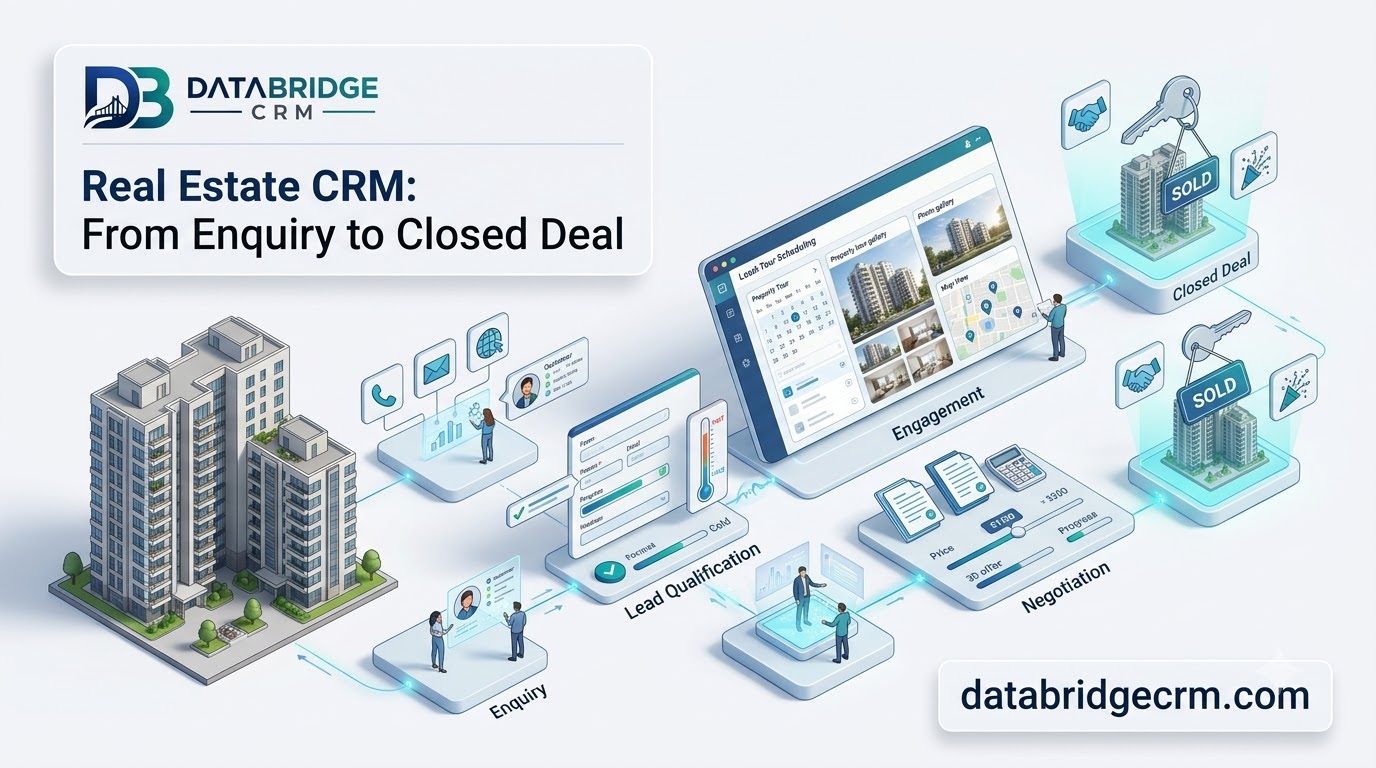
How DataBridgeCRM's Real Estate CRM Works, From First Enquiry to Closed Deal
How LawDesk & CADesk Work for Lawyers and Chartered Accountants