An ERP decision usually begins with frustration, not
excitement.
A report takes three days to prepare. The sales team has
one customer list, finance has another, and operations is maintaining a
spreadsheet that nobody else can safely edit. Managers ask for a live view of
the business, but the numbers have to be collected and checked first.
These problems may look like ordinary growing pains.
Sometimes they are a sign that the business has outgrown its current systems
and needs a more connected operating model.
ERP software is not automatically the answer to every
business problem. The useful question is whether the company has reached a
level of operational complexity where separate tools are creating more work
than value.
What an ERP is meant to solve
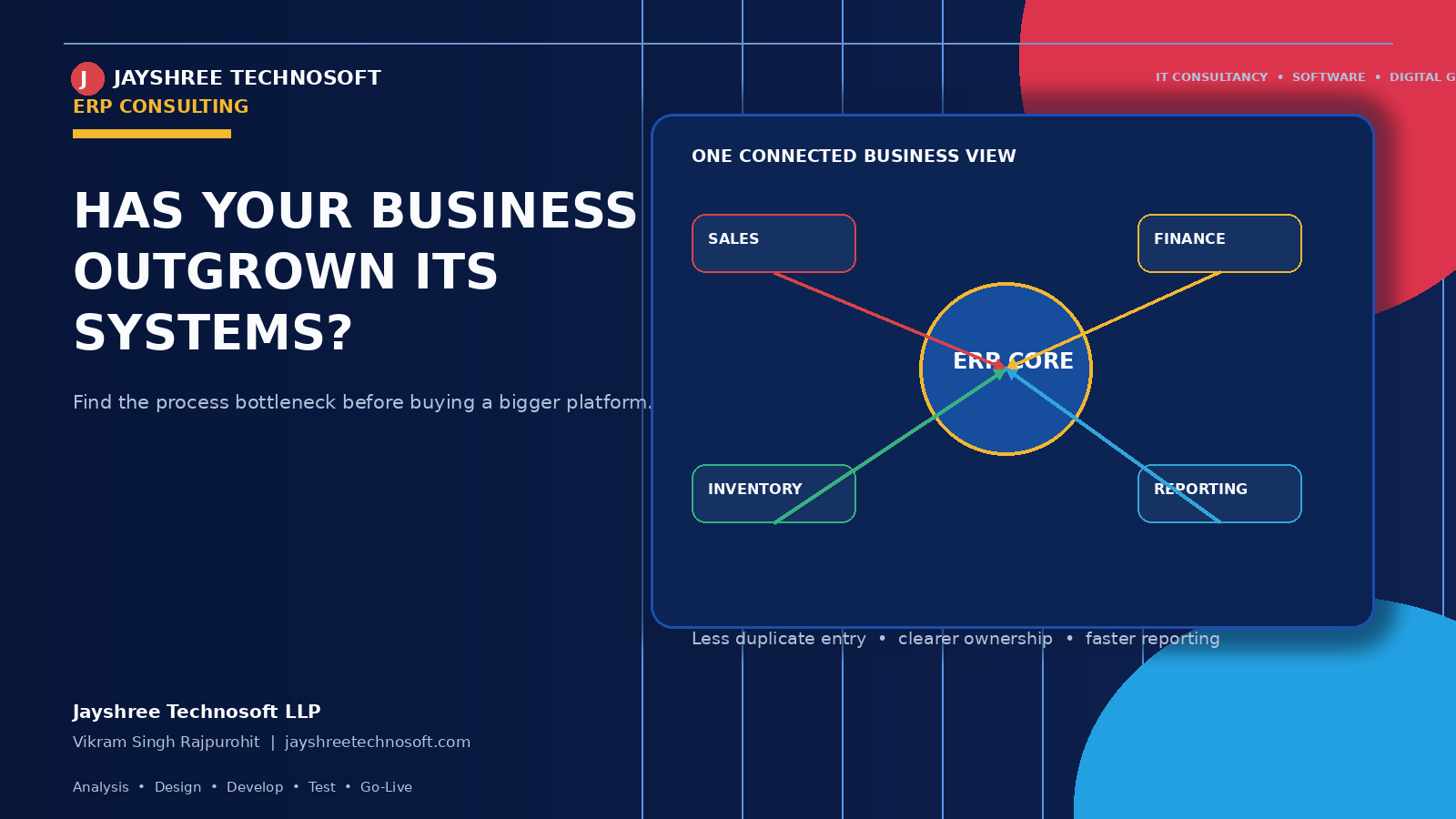
An ERP connects important business activities through
shared data and defined workflows. Depending on the organisation, those
activities may include customers, sales, inventory, purchasing, billing,
finance, human resources, projects, service requests, or reporting.
The value is not the number of modules. The value is
having fewer conflicting versions of the truth.
For example, when a sales order affects inventory,
billing, fulfilment, and customer communication, the business should not depend
on four people manually informing four systems. A connected workflow can make
the event visible to the teams that need it while preserving approvals and
controls.
Five signs that your systems are holding the business back
1. The same information is entered repeatedly
Duplicate entry is one of the clearest signs of a process
problem. If customer, product, order, or payment data moves through
spreadsheets and messages before reaching the next team, errors become part of
the operating model.
2. Reports are assembled manually
A growing business needs information quickly enough to
make decisions. If every management report requires exporting, cleaning,
reconciling, and formatting data by hand, the reporting process is consuming
attention that should be used for analysis.
3. Departments cannot see the same status
Sales may consider a deal closed while finance is waiting
for approval. Operations may believe an order is ready while the customer
record is incomplete. An ERP project can help define a shared status model and
the ownership attached to each stage.
4. Processes depend on one person’s memory
If only one employee knows how to generate a report,
reconcile a customer account, or update a critical workflow, the system is
fragile. Documentation and role-based access are as important as software
features.
5. Growth creates more administration instead of more
capacity
When every new customer, employee, location, or product
adds disproportionate manual work, the organisation may need process
automation. The objective is not to remove human judgment. It is to remove
avoidable repetition.
ERP does not mean buying the biggest platform
A common mistake is to treat ERP as a race to acquire the
most powerful software available. A better approach is to begin with the
business process that causes the greatest operational cost.
Map the current workflow. Identify duplicated data,
approval delays, missing information, reporting gaps, and integration
dependencies. Then define a first phase that can be measured. This may be a CRM
and sales workflow, inventory and billing, customer service, or an
industry-specific business system.
Jayshree Technosoft describes its approach through
analysis, design, development, testing, and go-live, with secure
infrastructure, expert developers, and ongoing support as part of the delivery
model.[2] Its website also describes custom web applications that help
companies automate work processes and improve customer experience.[1] These
capabilities support a phased ERP or business-automation engagement rather than
a one-time software installation.
Cloud ERP, custom ERP, or integrated tools?
The right route depends on the business. A cloud ERP may
be suitable when standard workflows cover most needs and the organisation wants
faster implementation. A custom ERP or connected application may be justified
when the business has distinctive workflows, industry-specific rules, complex
integrations, or a strong need for control over the user experience.
Some companies do not need a full ERP yet. They may need a
disciplined CRM, an inventory system, a quotation workflow, or an integration
layer that connects existing tools. Technology consulting is valuable because
it prevents the business from solving a small process problem with an
unnecessarily large platform.
A practical readiness checklist
Before starting an ERP project, document the processes
that matter most, the people responsible for each step, the reports leadership
actually uses, and the data that must be migrated. Decide what success will
look like after the first release. Also agree on testing, training, access
control, backups, support, and future changes.
An ERP project succeeds when the business adopts a clearer
way of working. The software is the enabler, not the entire transformation.
If your team is spending more time reconciling systems
than improving the business, it may be time for an ERP readiness review. Begin with the bottleneck, define the outcome, and choose the
smallest connected solution that can support the next stage of growth.
CTA: Discuss your business
workflow with Jayshree Technosoft and identify whether ERP, integration, or
targeted automation is the right next step.
Recent Articles
Best CRM Software in Jaipur for Kirana Stores: How POS Billing CRM Simplifies Daily Operations
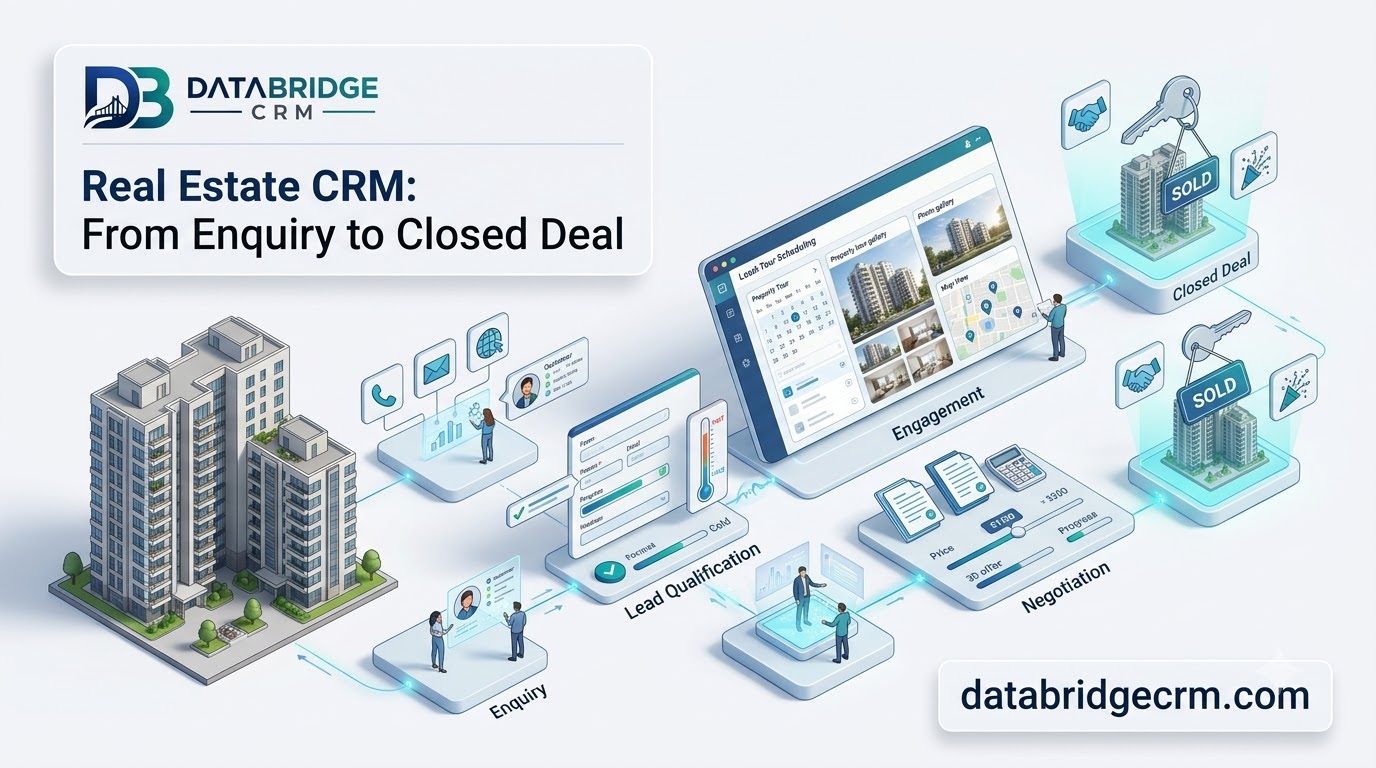
How DataBridgeCRM's Real Estate CRM Works, From First Enquiry to Closed Deal

How LawDesk & CADesk Work for Lawyers and Chartered Accountants